目次 / Contents
Add to Favorites
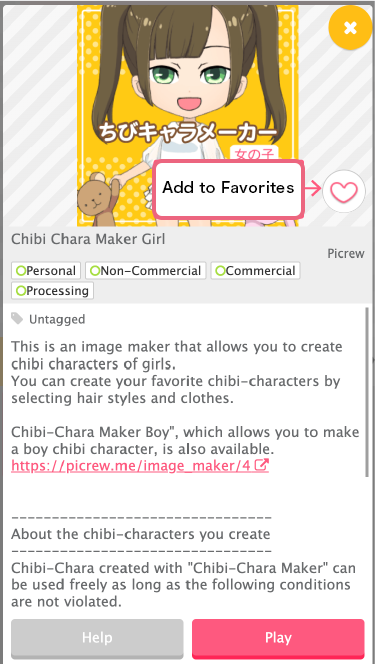
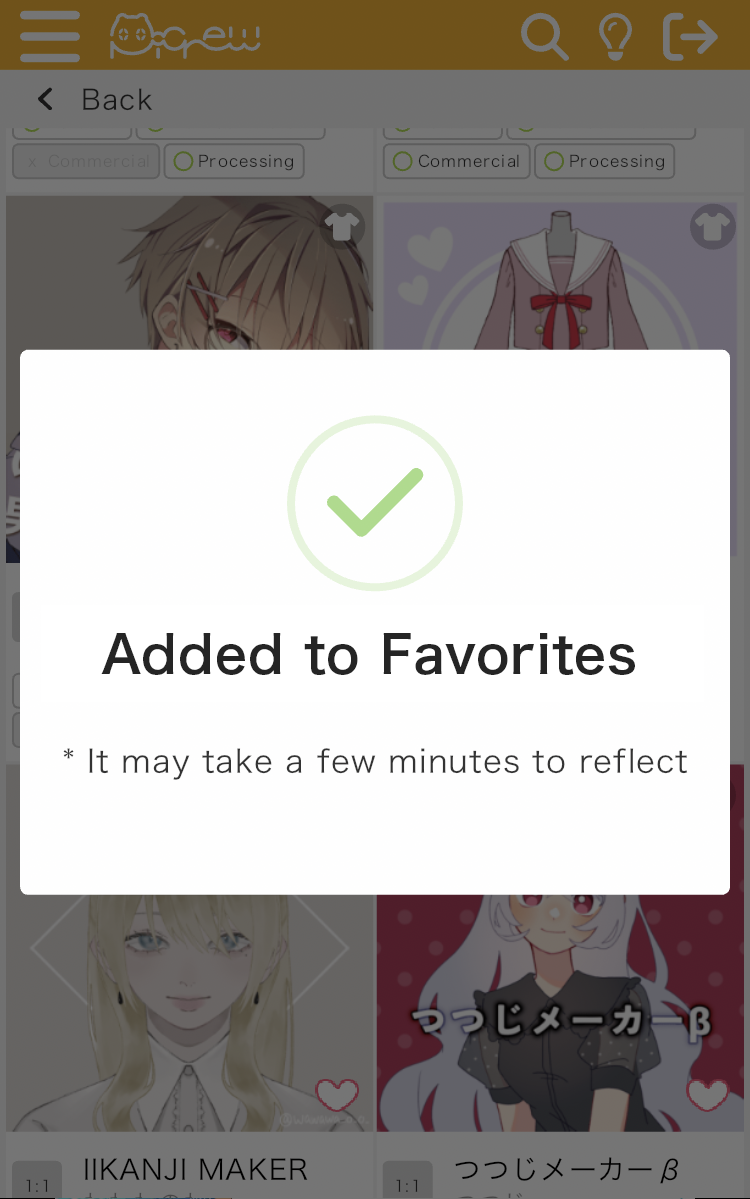
When you find an image generator you like, tap the ♡ icon to add it to your Favorites.
Please note that using the Favorites feature requires an account.
To create a Picrew membership, simply visit the New Account Registration page.
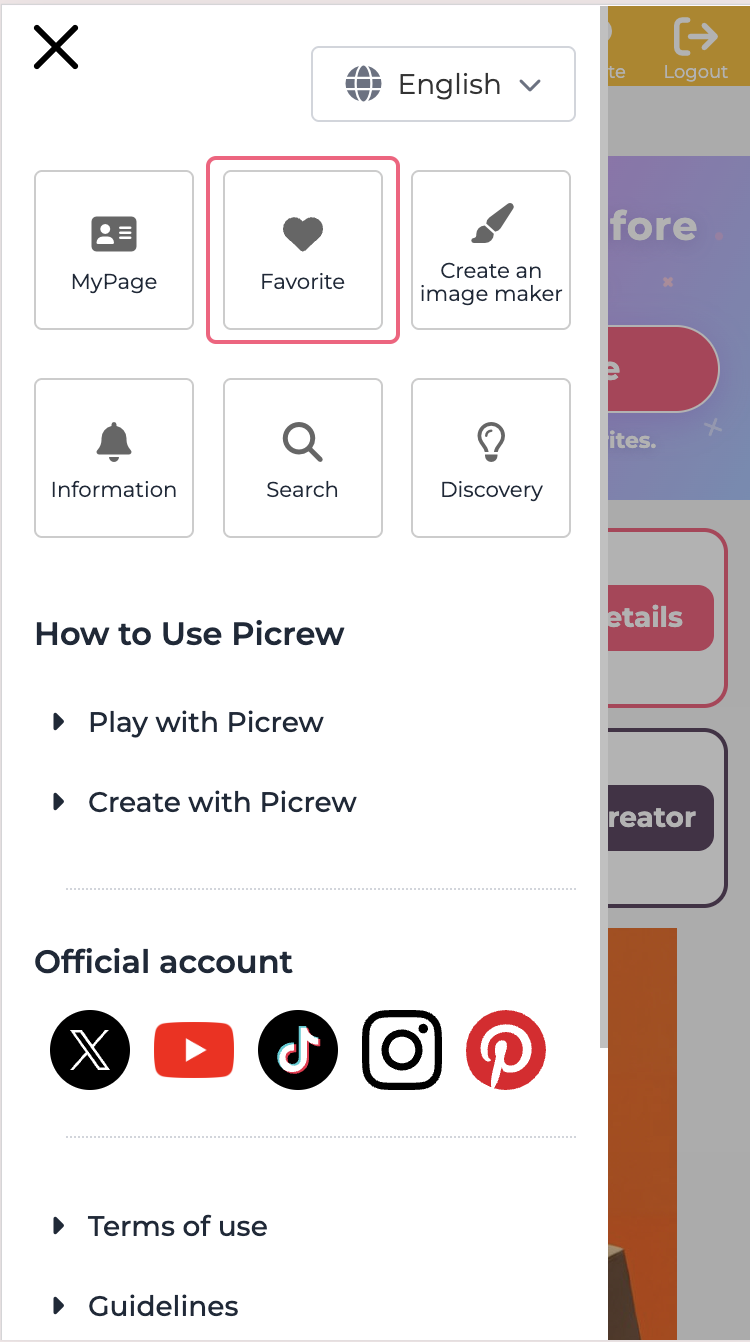
You can view your bookmarked list from “Favorites” in the side menu.
How to Increase Your Favorites Limit (Web Version)
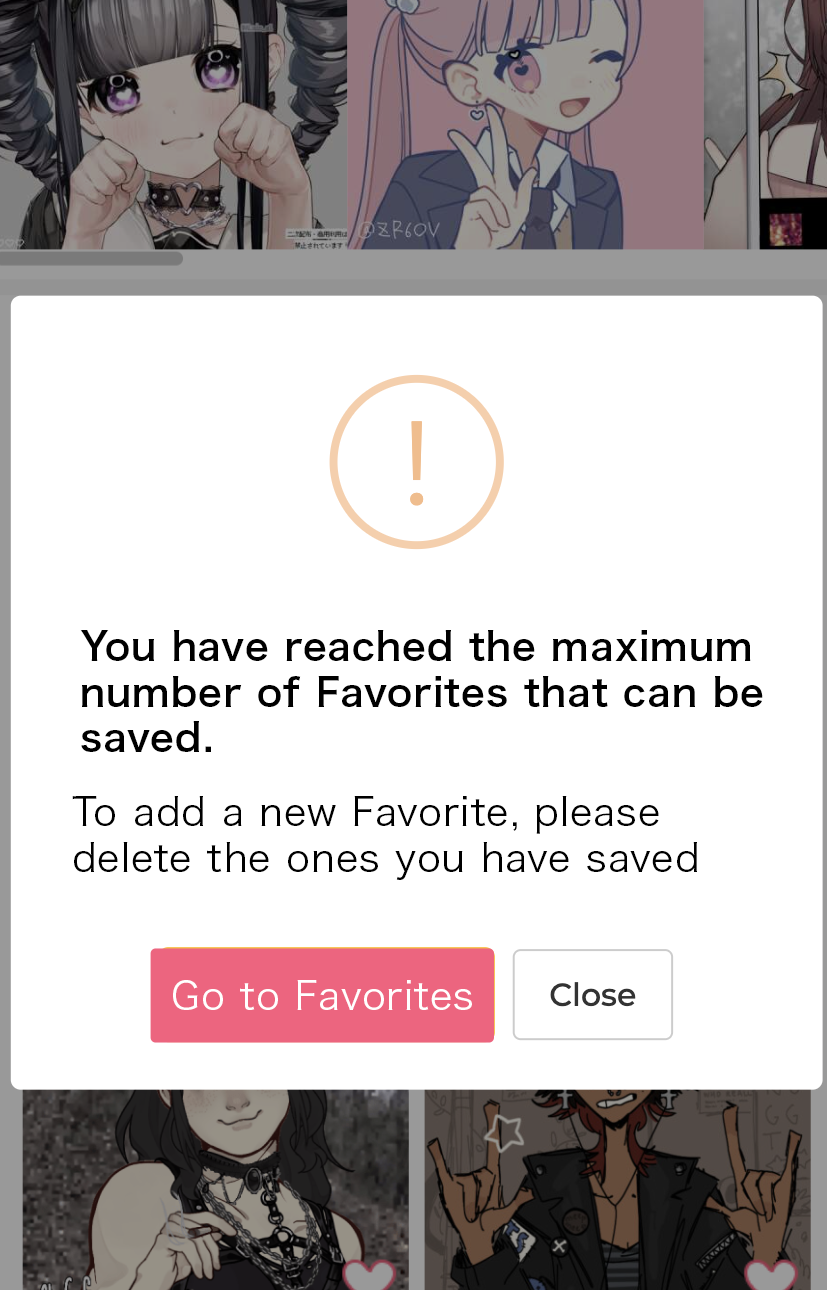
There is a limit to the number of items you can add to your Favorites.
If the upper limit is reached, the following alert will be displayed
To increase your Favorites limit, you’ll need to do so through the app.
Download the app and give it a try.


※The creator function is not available in the application. Please understand this in advance.
How to Increase Your Favorites Limit (App Version)
When the maximum limit is reached, the following alert will appear in the app version.
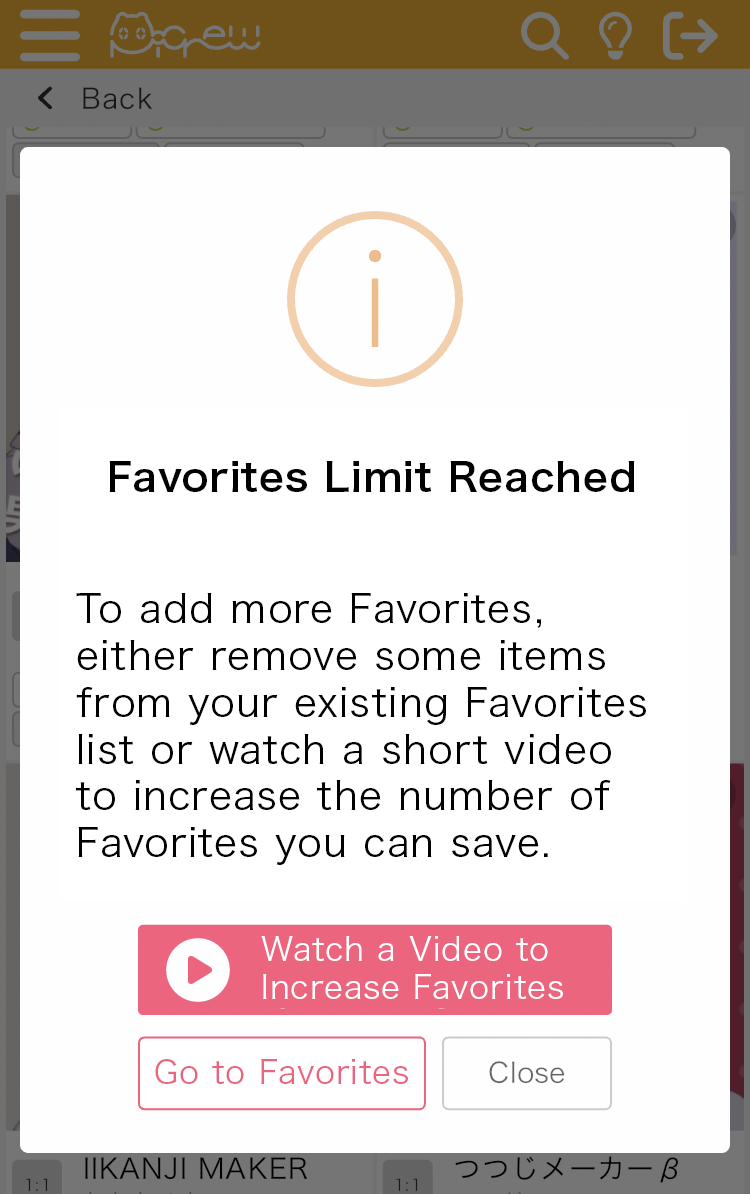
Watch a video to increase your Favorites limit.
It may take some time for the change to take effect, so please check the Favorites page to confirm that your limit has increased.